> ## Documentation Index
> Fetch the complete documentation index at: https://docs.pluvo.io/llms.txt
> Use this file to discover all available pages before exploring further.

# Day/Night Mode

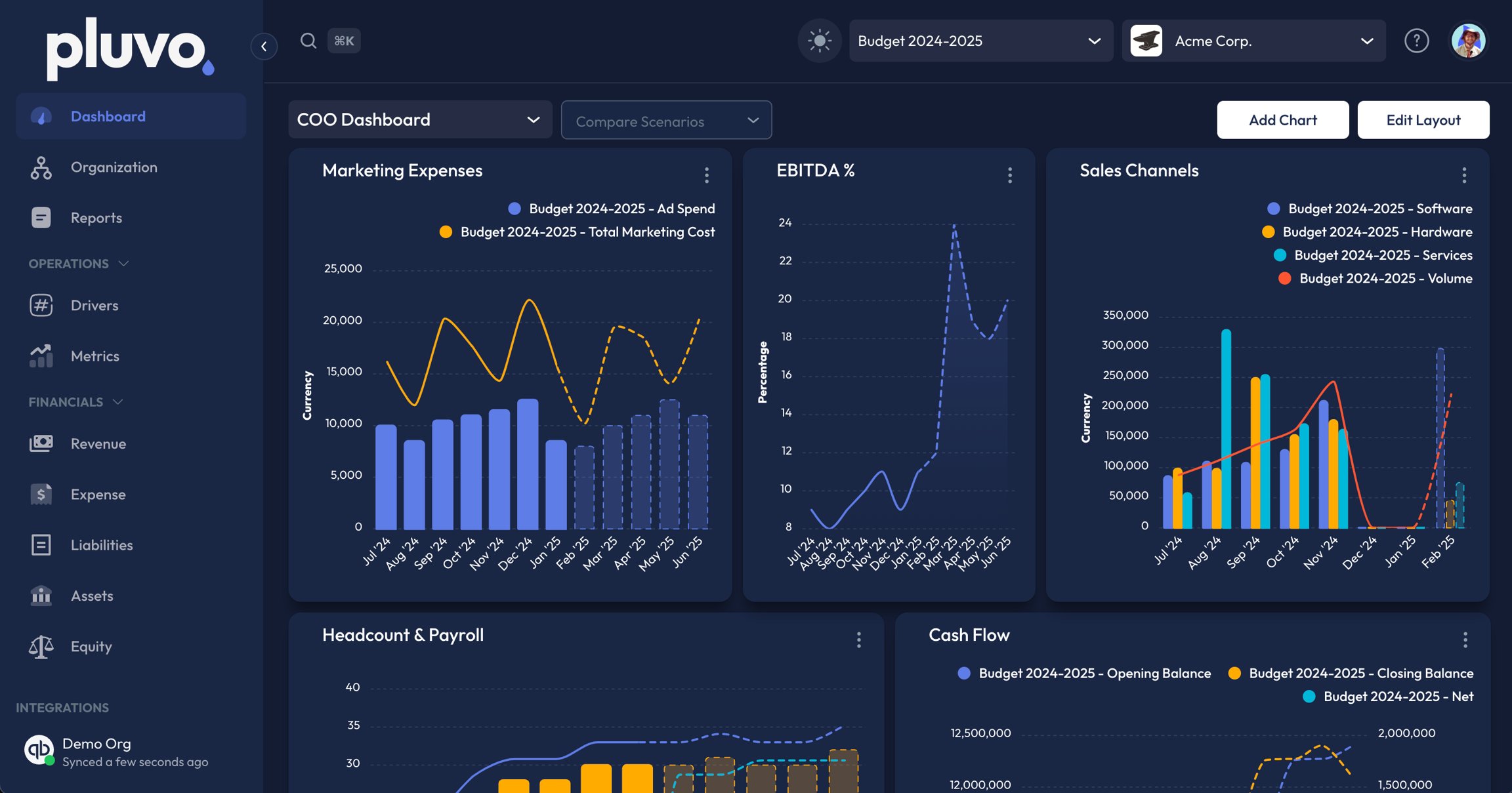
> You can quickly change between Day/Night display mode by selecting the sun or moon icon at the top of your interface. <br />

***

You can quickly change between Day/Night display mode by selecting the sun or moon icon at the top of your interface. <br />

Please see figures below for reference:
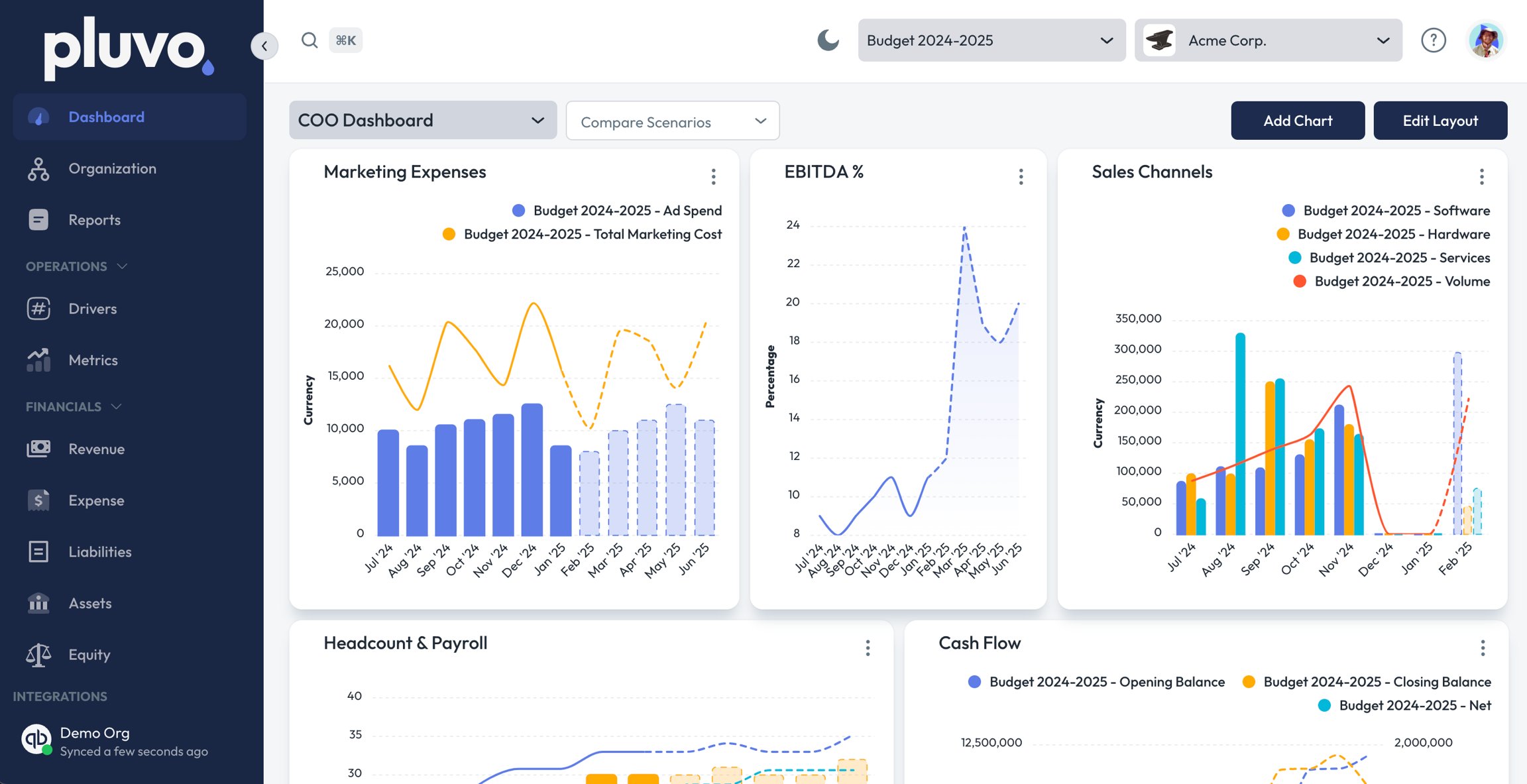
<Frame caption="Pluvo in Day Mode">
  <img src="https://mintcdn.com/pluvo-02a06e95/0FuIyQcO0nALAUMz/images/modelling/oaYUiBUmYZTYZY47UNFo.png?fit=max&auto=format&n=0FuIyQcO0nALAUMz&q=85&s=acbe2090229842fa795fbc2307580d5e" alt="" width="2304" height="1183" data-path="images/modelling/oaYUiBUmYZTYZY47UNFo.png" />
</Frame>

<Frame caption="Pluvo Night Mode">
  <img src="https://mintcdn.com/pluvo-02a06e95/0FuIyQcO0nALAUMz/images/modelling/zQSMoWtqxFYa7wPSITlx.png?fit=max&auto=format&n=0FuIyQcO0nALAUMz&q=85&s=f5aefb42e8d29ab6e88fb4bd73d61d55" alt="" width="2304" height="1209" data-path="images/modelling/zQSMoWtqxFYa7wPSITlx.png" />
</Frame>